
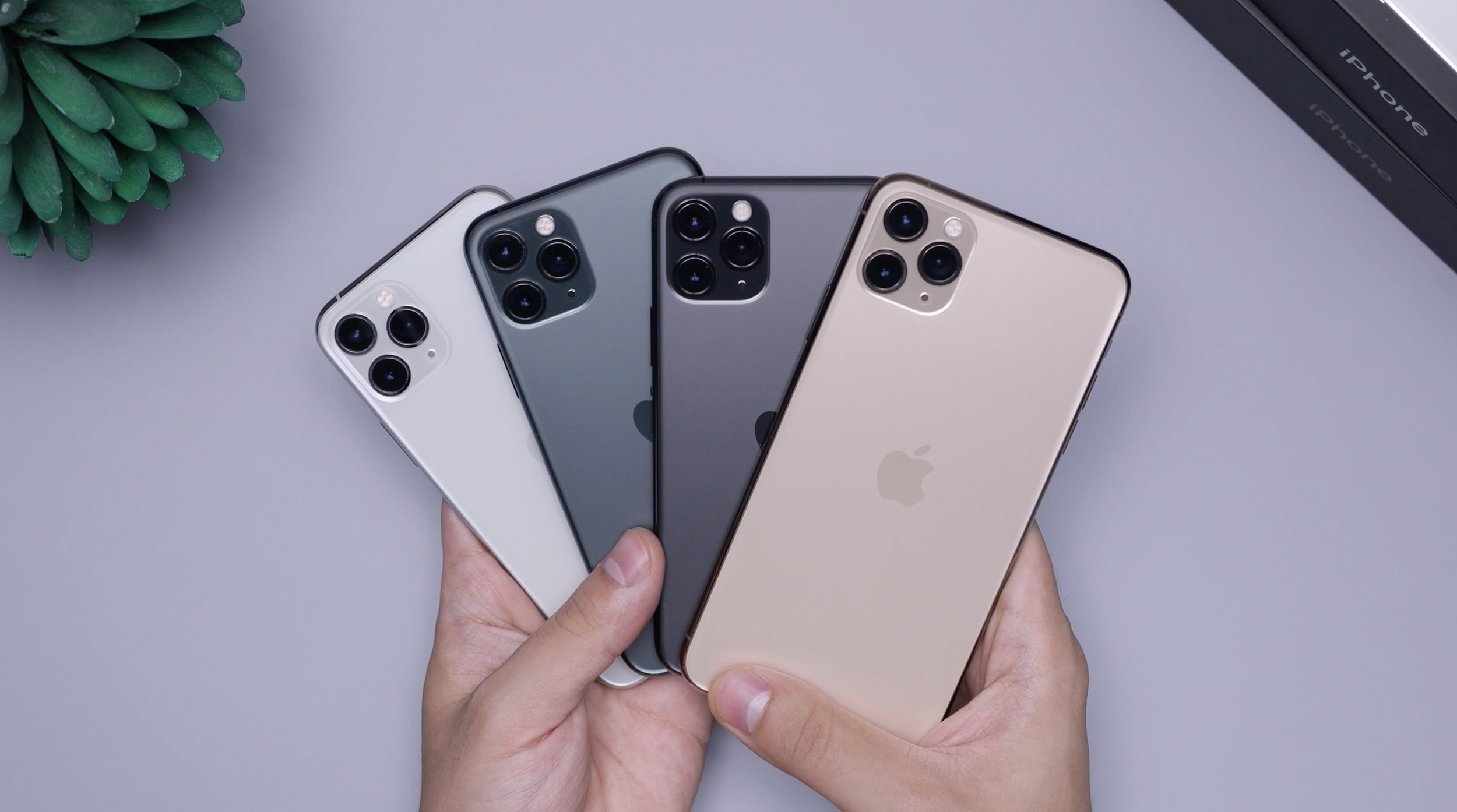
Are you using an iPhone?
And why not? They are great cameras! But, by default, they save images in HEIC format, not JPEG.
This can cause problems, because we need to see the EXIF metadata that is saved in your images, and HEIC conversions do not always preserve this perfectly.
To check what your phone is doing, go to Settings→Camera → Formats
Maximum Compatibility saves JPEG and Maximum Efficiency saves HEIC.
You have options:
Change your phone to “Maximum Compatibility” for the duration of the event. If you then edit these JPEGs in Snapseed, Adobe, or other software, and the data/time the image was taken should be preserved.
Leave as “Maximum Efficiency”, and upload directly from your phone without editing. SmugMug will convert to JPEG during the upload and save this copy, including its metadata.
Leave as “Maximum Efficiency”, and check in advance that your editing software preserves the metadata. We don’t recommend this! There are too many variables our of our control, and we may get your image order wrong, meaning your images may be judged against the wrong topics!